
VexMotions / Free
Code,
rendered
to video.
A macOS app that takes pasted HTML, React, Three.js, Remotion, or a GLSL shader and exports it as H.264 MP4 — up to 4K at 60 fps. Bundled Chromium and ffmpeg. Offline after install.
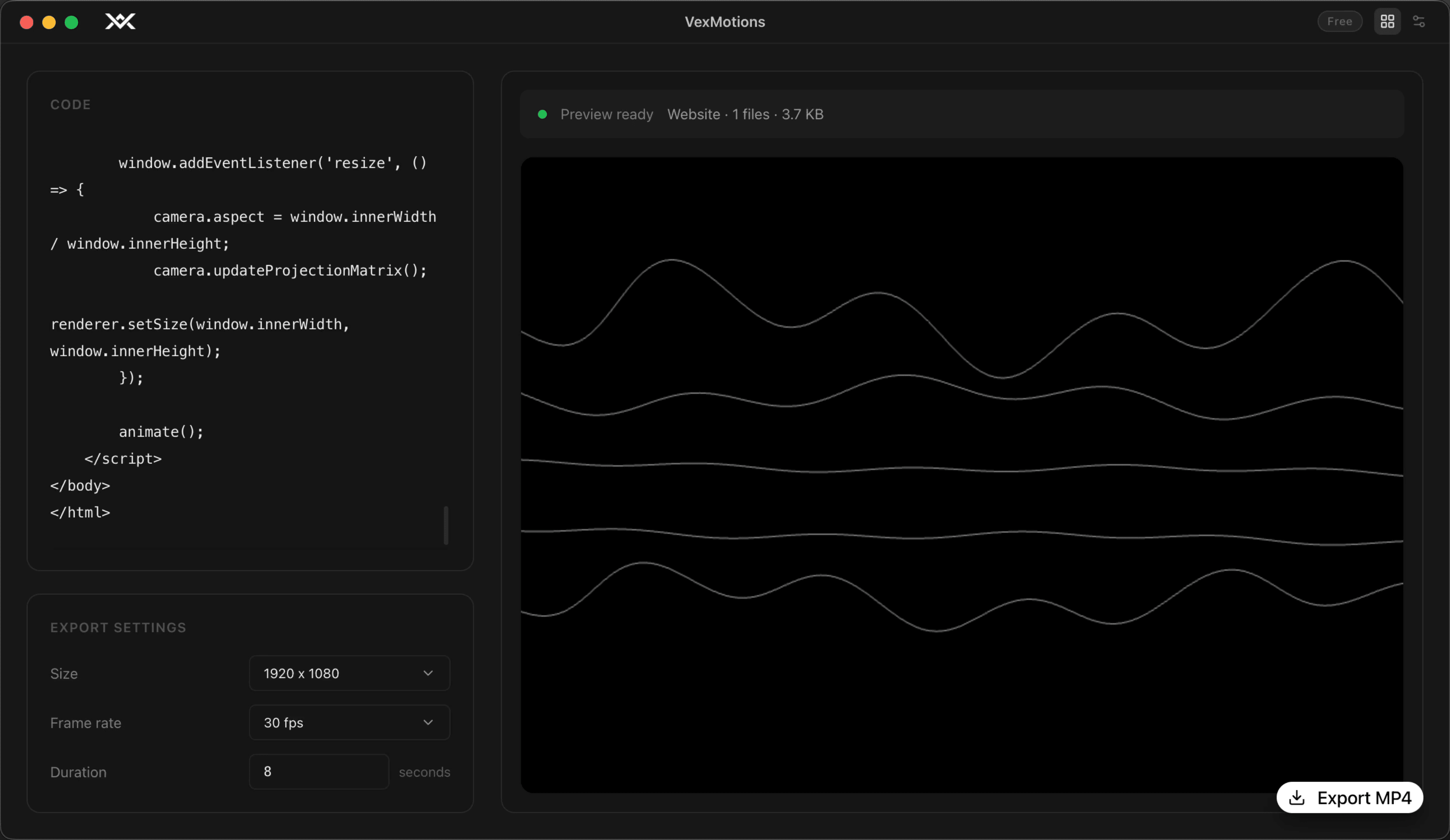
Three motions.
One MP4.
No timelines, no rendering queues, no Puppeteer scripts. Paste your code, watch the preview update live, click export.
Paste
Drop a complete HTML document, a React component (default export auto-synthesized when missing), a Three.js scene, a Remotion clip, or raw GLSL into the editor.
Preview
A real Chromium runtime renders your scene the moment you stop typing. No fake renderer — what you see is what you export.
Export
Pick a resolution, frame rate, and duration. Hardware-accelerated H.264 encoding via Apple VideoToolbox writes the file to your Downloads folder.
Real input.
Real output.
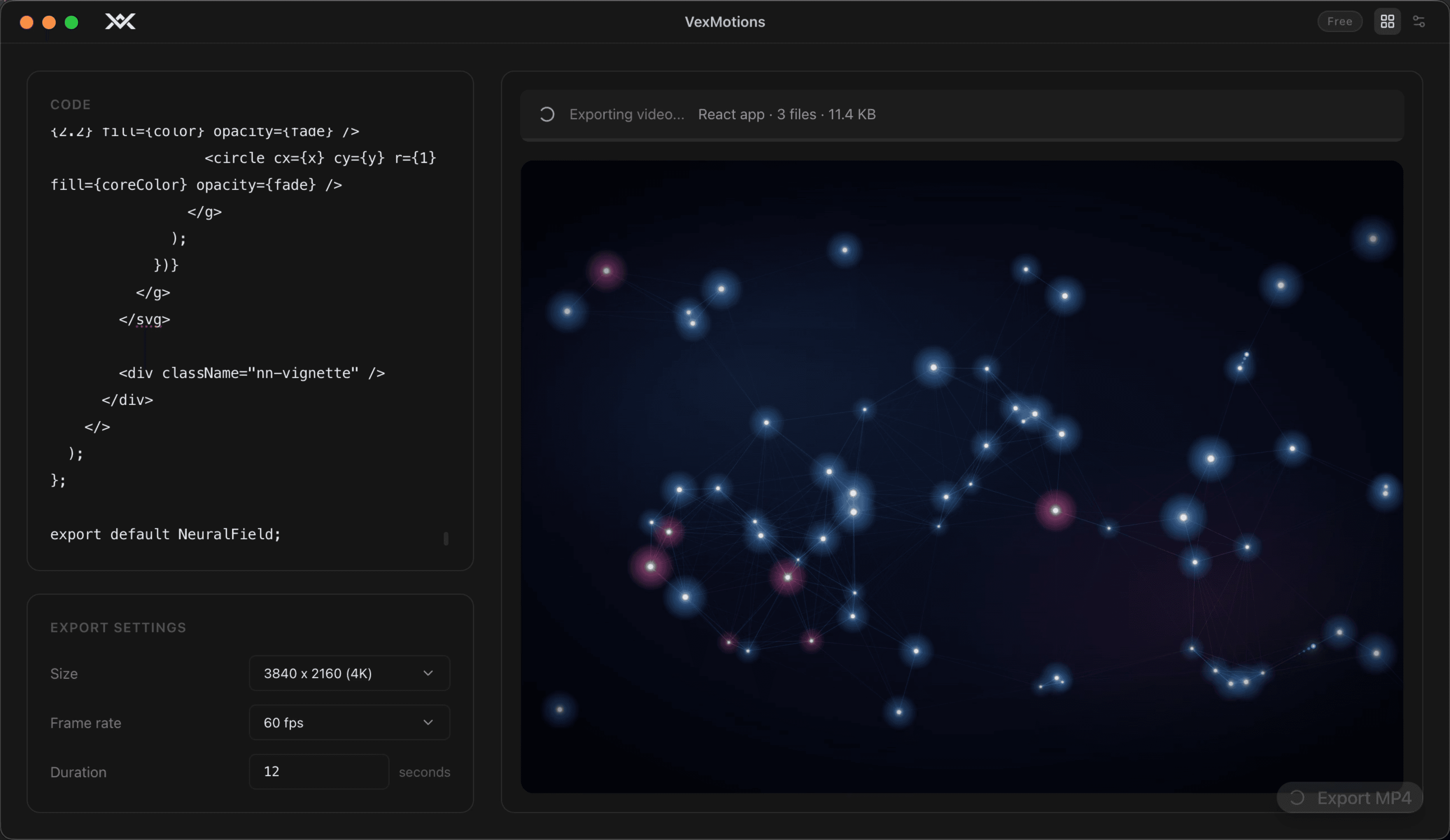
Paste a component on the left, watch a live preview render on the right, export an MP4 — all from the same window.
function NeuralField() {
  const ref = useRef();
  useFrame(({ clock }) => {
    ref.current.material.uniforms
      .uTime.value = clock.elapsedTime;
  });
  return <Mesh ref={ref} />;
}
Speaks HTML, React, Three.js, Remotion, and raw GLSL.
HTML
Full documents with inline scripts and styles. Module scripts, async work, fonts — all awaited before frame zero.
React / JSX / TSX
Sucrase-transpiled, automatic JSX runtime. Default export is synthesized when missing, so a component is enough.
Three.js · R3F · drei
WebGL scenes captured directly via MediaRecorder, then remuxed to H.264 — minutes of overhead become seconds.
Remotion
Built-in shim provides useCurrentFrame, interpolate, spring, AbsoluteFill, Sequence — paste a component, hit export.
GLSL vertex shaders
vertexshaderart.com format with the expected magic globals: vertexId, time, resolution, mouse, sound, v_color.
Anything from npm
Import what you need — fetched once via esm.sh, cached locally, then offline forever afterwards.
React · Three.js · @react-three/fiber · drei · GSAP · anime.js · Pixi.js · p5 · Lottie · Matter.js · Paper.js · d3 · canvas-confetti · simplex-noise · Popmotion · Motion One · Tone.js · Howler · Lodash · zustand · jotai · immer · chroma-js · dayjs · seedrandom · gl-matrix
4K at 60 fps.
Hardware-encoded.
ffmpeg with Apple VideoToolbox writes H.264, yuv420p, +faststart. Plays everywhere — QuickTime, browsers, social, NLEs.
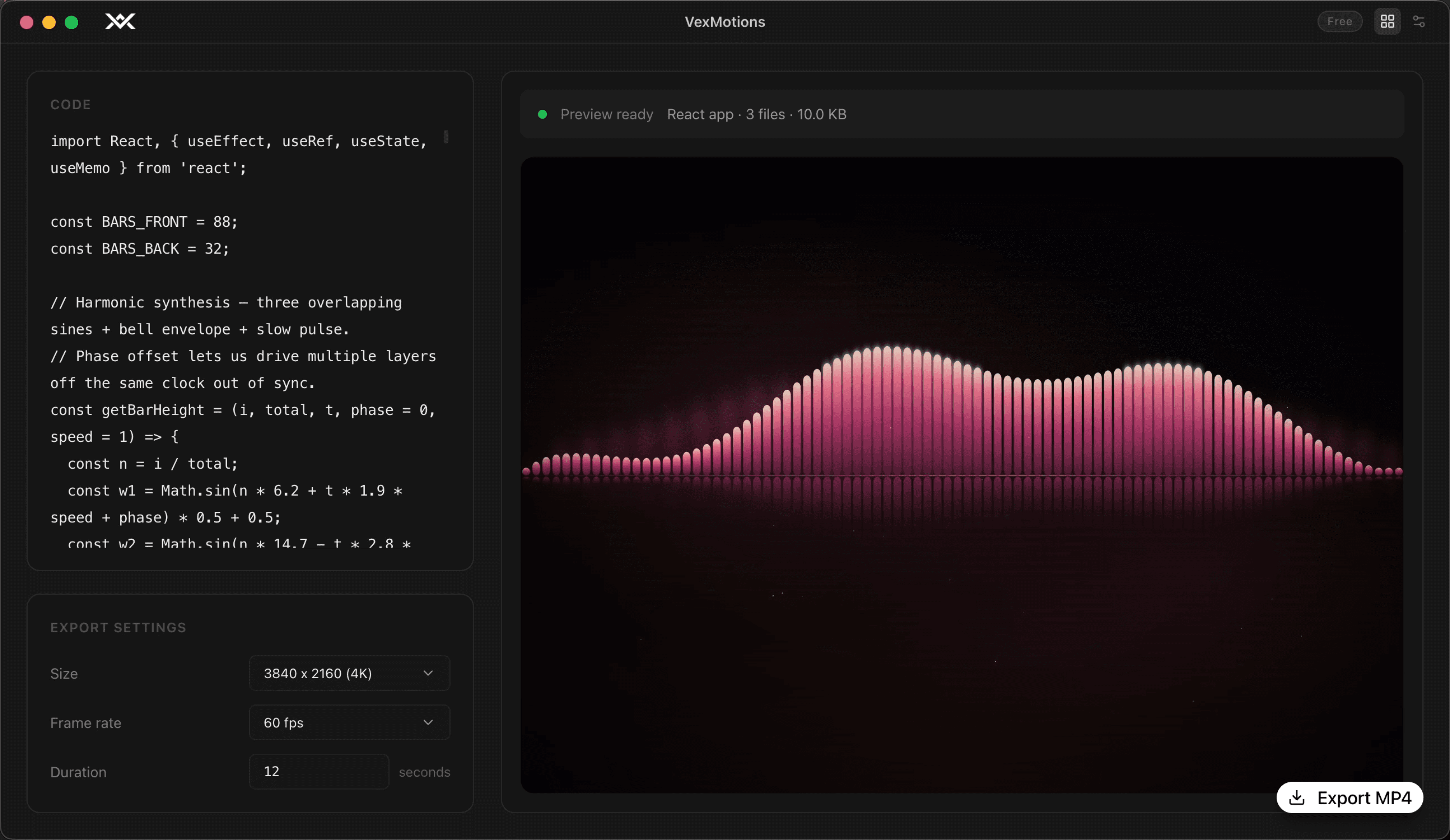
↓ React audio visualiser
Built like the apps
it has to compete with.
Two pipelines, auto-selected
Canvas-stream uses MediaRecorder to capture WebGL/canvas scenes directly into H.264 — orders of magnitude faster than screenshotting. The screenshot pipeline handles DOM/SVG with parallel headless frame capture. The right one is picked per scene.
Loop detection that actually works
Perceptual frame fingerprinting — dHash plus a 16×16 grayscale grid — infers the fundamental loop period across the requested duration and snaps the output to a clean integer multiple. No crossfades, no ghosting.
Errors you can act on
Page errors, console errors, missing assets, and shader compile failures are surfaced in the UI, not swallowed. You always know why an export blanked.
Production-hardened headless
WebGL drawing buffer preserved across capture. Fonts and images awaited before frame zero. ANGLE and SwiftShader tuned so WebGL works in headless. GPU flags configured to avoid black-frame artifacts.
Privacy
Your code never leaves your Mac. No telemetry, no accounts, no cloud uploads. The only network traffic is optional first-time npm fetches via esm.sh — and those are cached locally for offline reuse.
Specifications
The technical
fine print.
- Output
- H.264 / AVC · yuv420p · +faststart · .mp4
- Resolutions
- 1920×1080 · 1080×1920 · 1080×1080 · 3840×2160 · 2160×3840 · 2160×2160
- Frame rates
- 24 / 30 / 60 fps
- Duration
- 1 – 120 seconds per export
- Encoder
- ffmpeg with Apple VideoToolbox HW acceleration
- Runtime
- Electron · bundled Chromium · bundled ffmpeg
- Platform
- macOS 12+, Apple Silicon
- Distribution
- Signed & notarized .dmg
- Telemetry
- None
- Price
- Free. No watermark, no export limit, forever.
Code in.
MP4 out.
Download the notarized .dmg, install, and export your first video in under a minute.